Auto Translate
Read every website in your language, except the languages you already read. Reply in theirs with one click.
Coming soon to the Chrome Web StoreAlways translate, except…
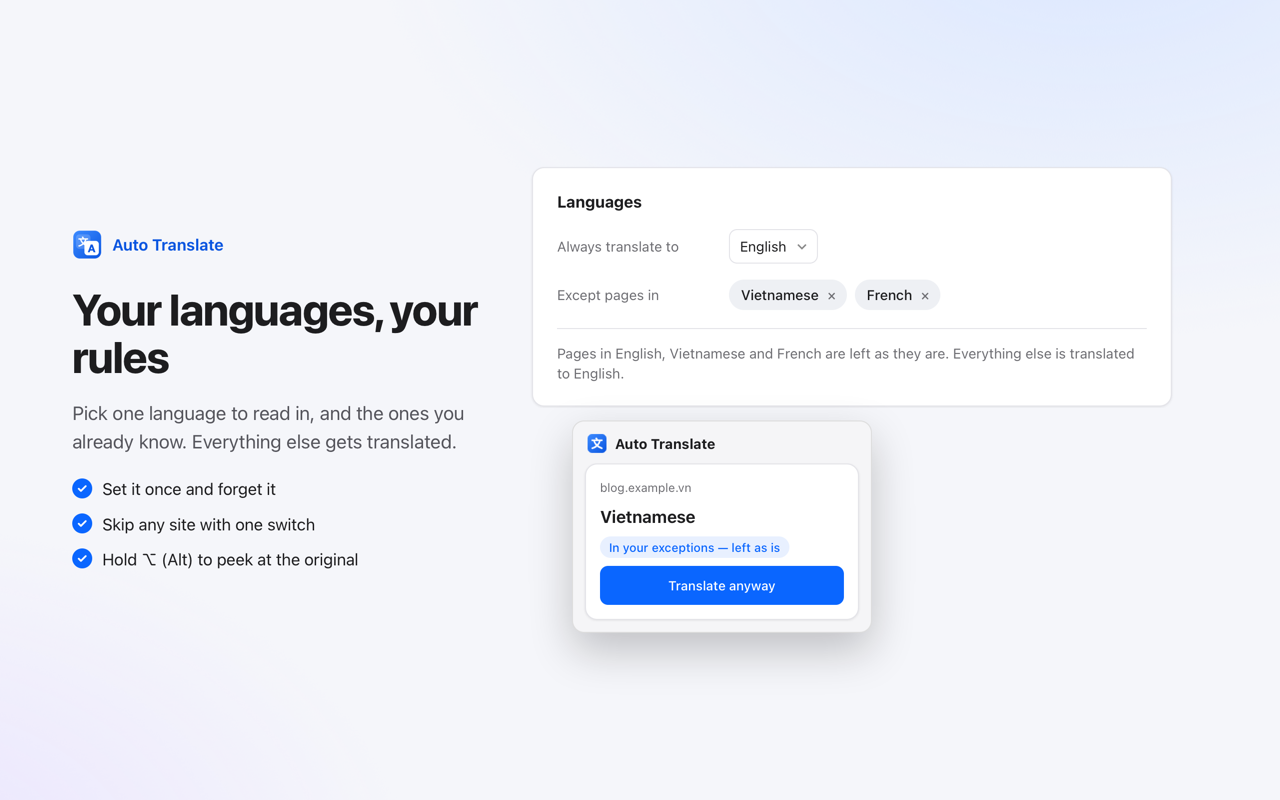
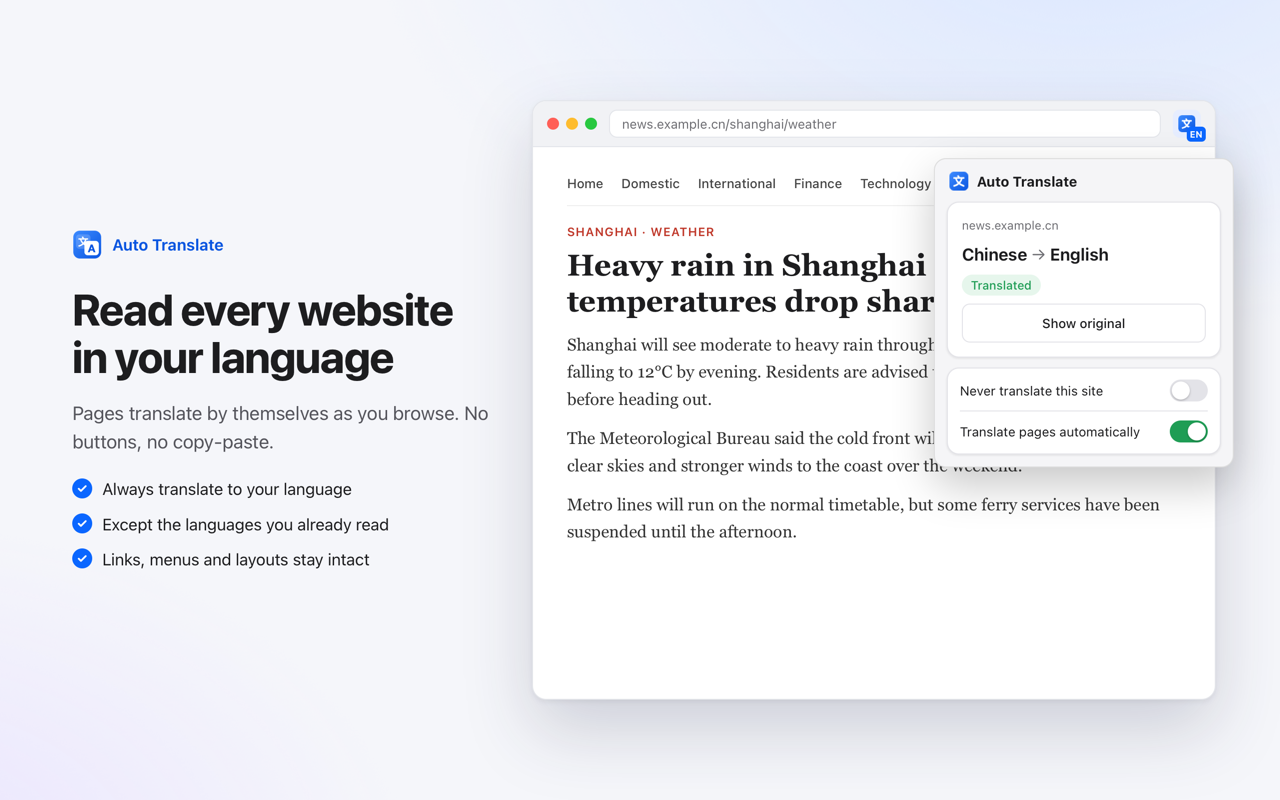
Pick the language you want to read in and add the ones you already know. Every other page translates by itself as it opens. No buttons, no copy-paste.
Reply in their language
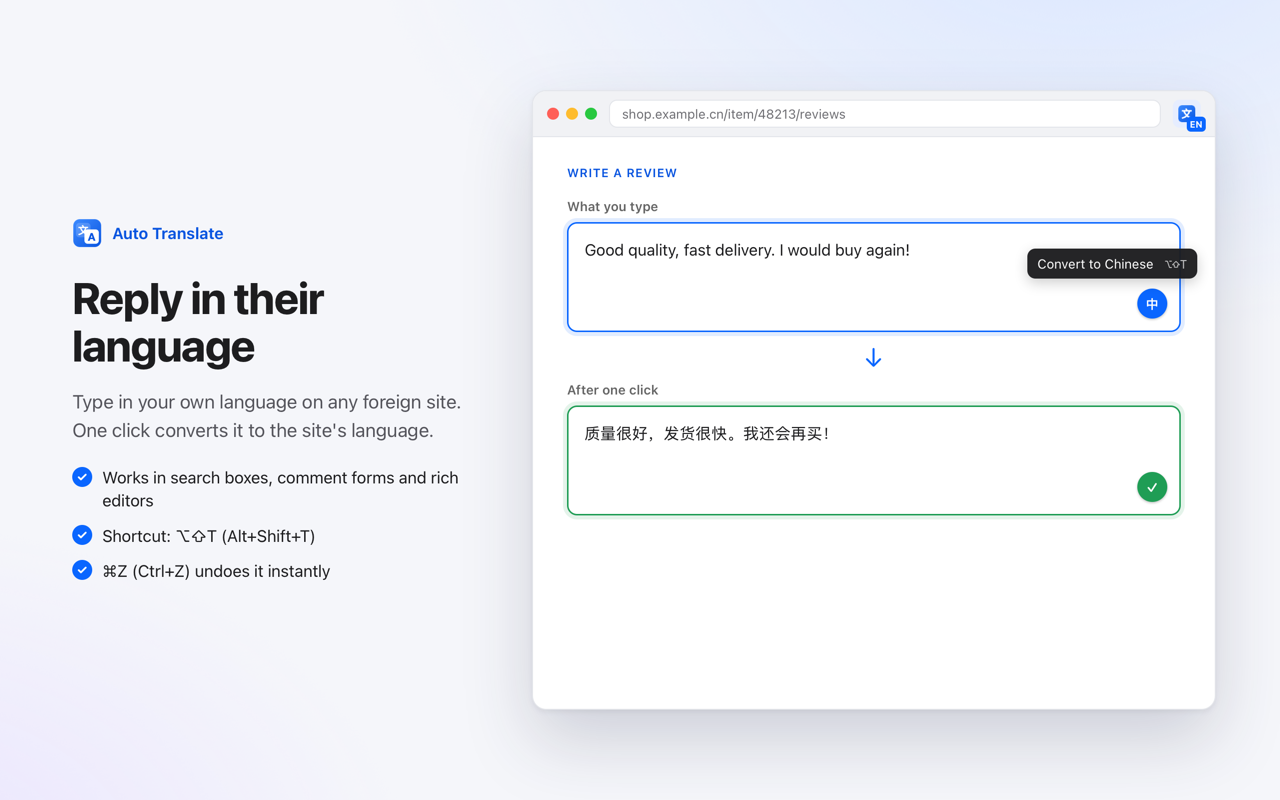
Type in your own language in any text box on a foreign site. A small button appears inside the box: click it, or press ⌥⇧T (Alt+Shift+T), and your text is converted to the site's language. ⌘Z (Ctrl+Z) undoes it.
Shop and search in your language
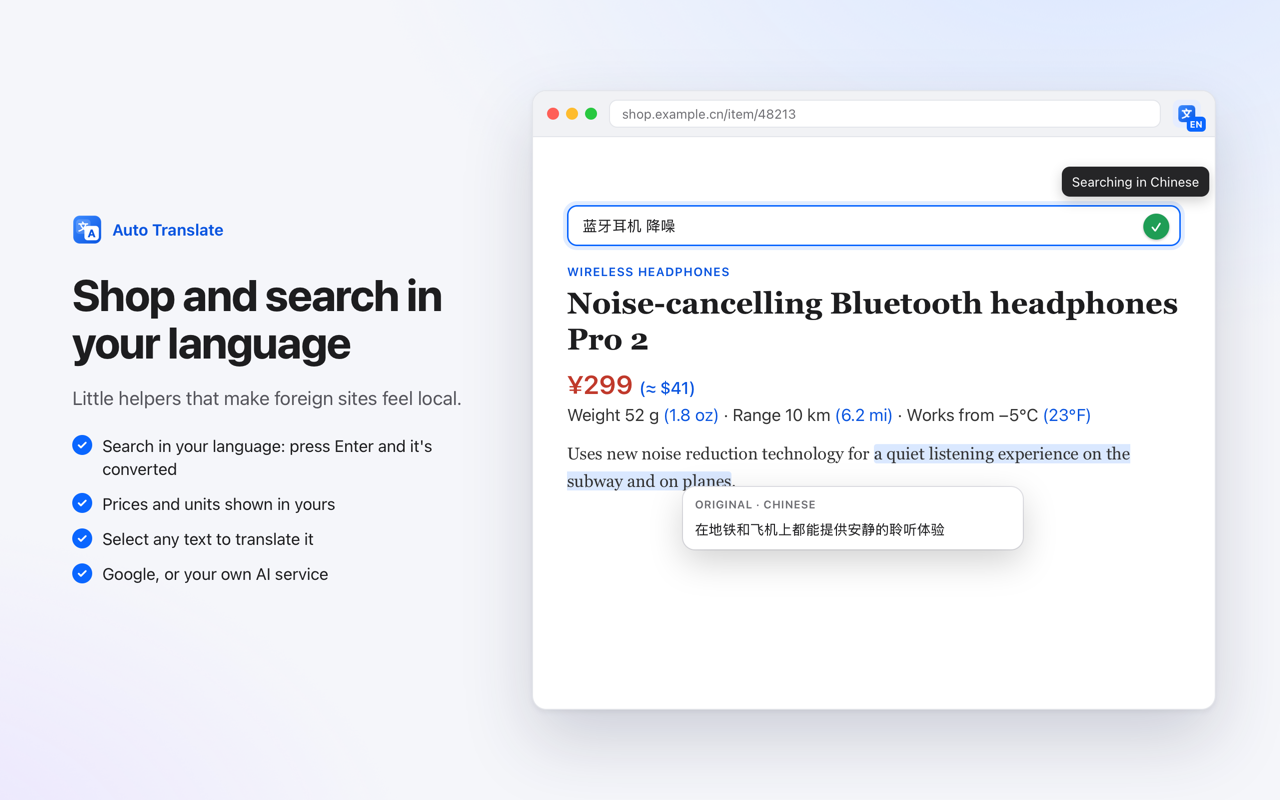
Type in your language in a foreign site's search box and press Enter: it searches in the site's language. Prices and measurements get yours next to them, like ¥299 (≈ $41) or 12°C (54°F). Select any text to translate it, or to see the original wording.
See the original anytime
Hold ⌥ (Alt) and hover any paragraph to see what it originally said, or switch the whole page back from the toolbar.
Pages keep working
Text is translated in place, so links, buttons, menus and modern web apps keep working. Visible text goes first, the rest as you scroll.
Your rules
Skip any site with one switch. “Translate anyway” when you want an exception. Your typing is never translated unless you ask.
Choose your translator
Free Google Translate out of the box, or your own Google Cloud key, or your own AI service (OpenAI-compatible or Anthropic-compatible). Words you list, like brand names, are never translated.
Works offline too
If the service can't be reached, Chrome's built-in on-device translator takes over for the languages you've downloaded.
No accounts, no tracking
No sign-up, no ads, no analytics. Text is sent only to the translation service you use. Privacy policy
Your languages, your rules